

























































How to change facebook password is the one task you keep skipping while hoping nothing bad happens. I get it. We all think we are invisible online until we are not.
Facebook has over 2.9 billion monthly users according to Statista. That is a giant target for criminals. If your credential is weak or reused, you are basically handing over the keys.
How to change facebook password on desktop
Open your settings the right way
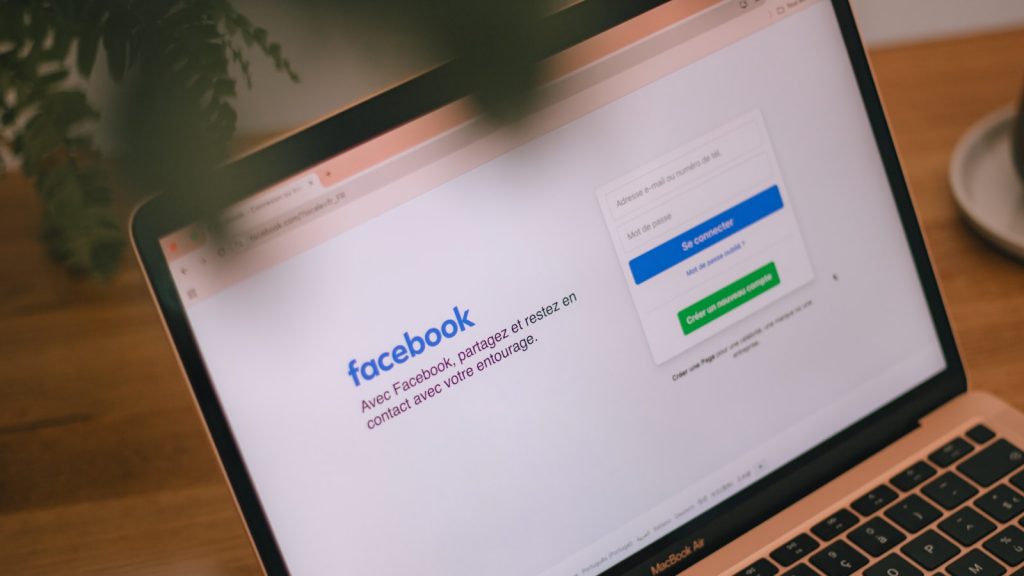
Log into Facebook from a browser. Click the small arrow in the top right corner. That menu is where the process starts, not some hidden dashboard.
People waste time hunting for a security tab on the homepage. It is not there. You must use the dropdown. This approach takes ten seconds once you know it.
Use the security and login panel
Select Settings and Privacy, then Settings. On the left rail you will see Security and Login. Click it. This is the core of how to change facebook password on a desktop.
Scroll to the Login section. You will find a line that says Change password. Hit that button. The system asks for your current password first, which is a sensible gate.
Enter and confirm the new string
Type a fresh password. Confirm it in the second box. Avoid “Password1” or your dog’s name. Those are cracked in seconds by brute force tools.
When done, click Save Changes. You will get a confirmation. That is the entire desktop method. Most guides overcomplicate how to change facebook password, but it is simple.
- Log in via desktop browser.
- Click the top right arrow.
- Choose Settings and Privacy, then Settings.
- Select Security and Login.
- Click Change password and follow prompts.
If you want broader protection, read our Best Free Antivirus: What Actually Works and What’s Just Noise. A clean machine matters when you type a new credential.
Doing the same on the mobile app
Find the hidden menu
The app buries settings under three lines in the bottom right on iPhone, or top right on Android. Tap that. Then scroll to Settings and Privacy.
Many readers ask me where downloads go when they save a guide. If you are on iOS, our piece on Where to Find Downloads on iPhone Even If You Swear Apple Hid Them solves that minor mystery.
Change credential in app
Tap Password under the security header. Enter your old one, then the new one. The mobile flow is just as fast as the browser method.
Remember, how to change facebook password on mobile is the same logic with a smaller screen. Do not let the UI trick you into thinking it is different.
I often tell readers that how to change facebook password should be taught in schools. It is that fundamental. Yet here we are explaining it to adults.
What if you forgot the old password
Recovery through email
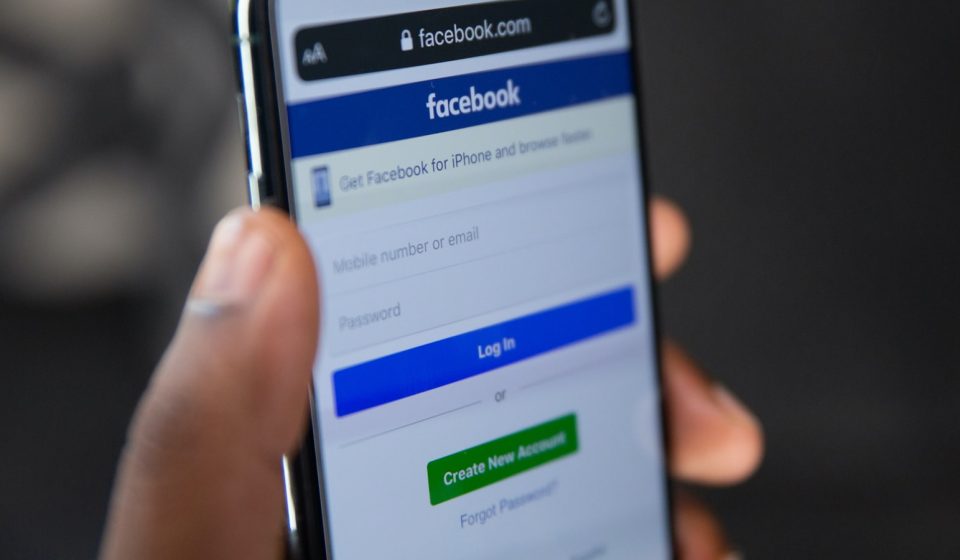
Hit Forgot Password on the login screen. Facebook sends a reset code to your registered email. Use it within the time limit or the link dies.
According to Wikipedia on passwords, reset flows are the weakest link if your email is also compromised. Check that account too.
Recovery through SMS
If you linked a phone number, choose text message recovery. A code arrives. Enter it and you can set a new login. This is why how to change facebook password proactively beats begging for a reset later.
Before we dive into recovery, master how to change your Facebook password while you still can. Prevention beats cure every single time.
If you also use PayPal, the same panic happens there. Our guide on How to Change PayPal Password: A No-Nonsense Guide to Securing Your Account walks you through that reset without the nonsense.
Making a password that actually holds
Length beats clever symbols
A 16 character random phrase beats an 8 character mess with exclamation points. Criminals use lists of common swaps. They expect “P@ssw0rd”.
Use a sentence only you would write. For example “my cat hates the red truck”. That is easy to recall and hard to guess. The goal of how to change facebook password is to end up with something like this.
- At least 12 characters long.
- No personal names or birthdays.
- Unique across sites.
- Stored in a manager if possible.
Why a manager helps
Password managers generate and store unique strings. You remember one master key. This kills credential stuffing, where one leak reveals many accounts.
Data from Forbes shows reused passwords cause most breaches. A manager is not optional in 2024. It is baseline hygiene.
Seriously, how to change facebook password is not a tech skill, it is self defense. Treat it like locking your front door.
When to change it and why it matters
After a known breach
In 2021 a Facebook data scrape exposed 533 million users. Wired covered the incident in depth. If you were among them, your phone and email may be public.
Even without proof, routine rotation is smart. We already showed how to change facebook password above, so apply it every few months. Pair it with two factor authentication for real peace of mind.
Shared account warning
Never share login with a friend to boost a page. You lose control. If you must, change it after. The process is quick, so there is no excuse.
Companies should look at Cybersecurity Services: Protecting Your Digital Assets in a World of Constant Threats for team policies. Personal users just need discipline.
Frequently asked questions
Q: Why should I learn how to change facebook password regularly?
A: Because stale credentials are the top entry point for account takeover. If you reuse passwords, one breach elsewhere exposes your Facebook. Changing it shuts that door.
Q: Does how to change facebook password differ between iPhone and Android?
A: No. The app menus look slightly different but the steps are identical. Tap the menu, open settings, choose password, confirm.
Q: What if I no longer have the recovery email?
A: Use the trusted contacts feature or upload ID to Meta. It is slow but works. Prevent this by keeping your email current before trouble hits.
Q: Can two factor authentication replace changing passwords?
A: It helps but does not replace a weak password. Use both. A code via app is stronger than SMS, which can be sim swapped.
Q: How often is too often to rotate?
A: Every three to six months is sane. Weekly changes cause mistakes. The point is how to change facebook password when risk appears, not superstition.
Q: Will Facebook log me out of other devices after I change it?
A: Yes, unless you check the keep option. That is good. It boots strangers. You can re login your own gear.
Stop reading and act
You now know how to change your Facebook password on every device. So close this tab and do it. I mean right now, not after lunch.
Set a calendar reminder to repeat in four months. Pair it with a password manager and you are ahead of most users. Security is not a product, it is a habit.
Start with this one task. Your future self will thank you when the next breach hits the news.
